SET UP IN MINUTES.
Follow our simple step-by-step video tutorials to get STREAMB4 running on any device.
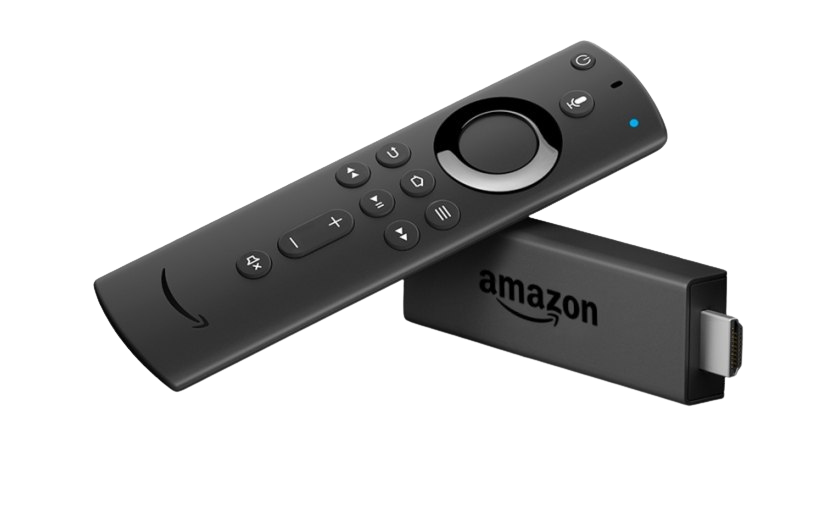
Fire TV Stick
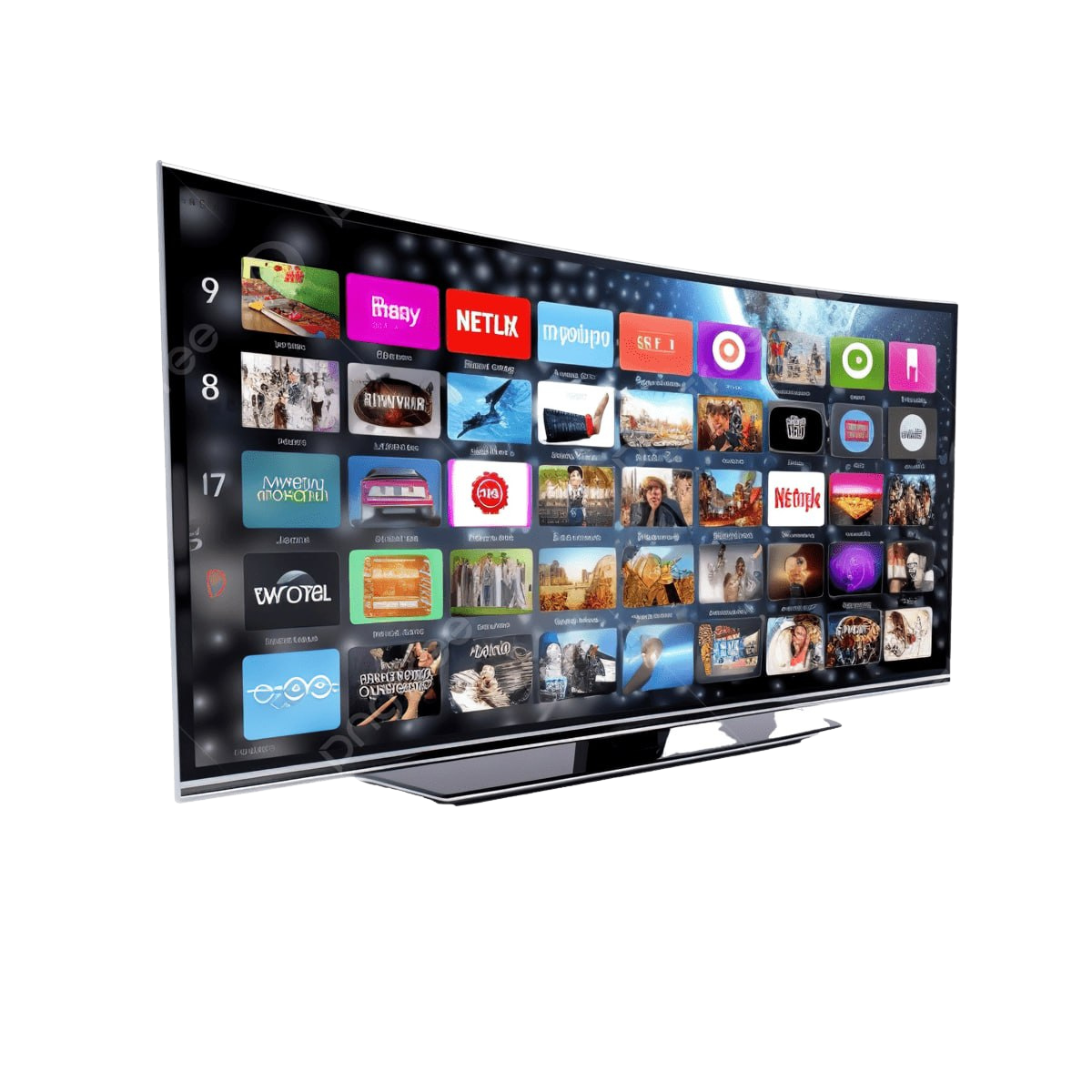
Smart TV
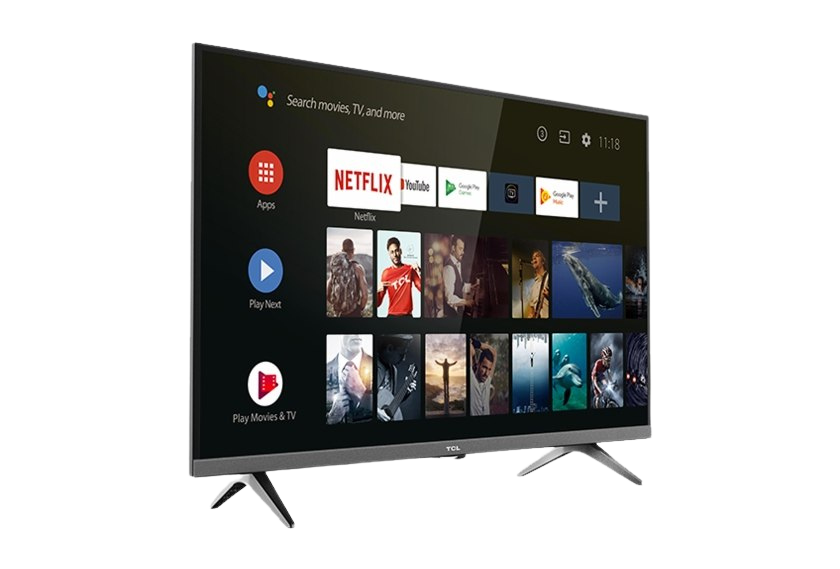
Android TV / Box
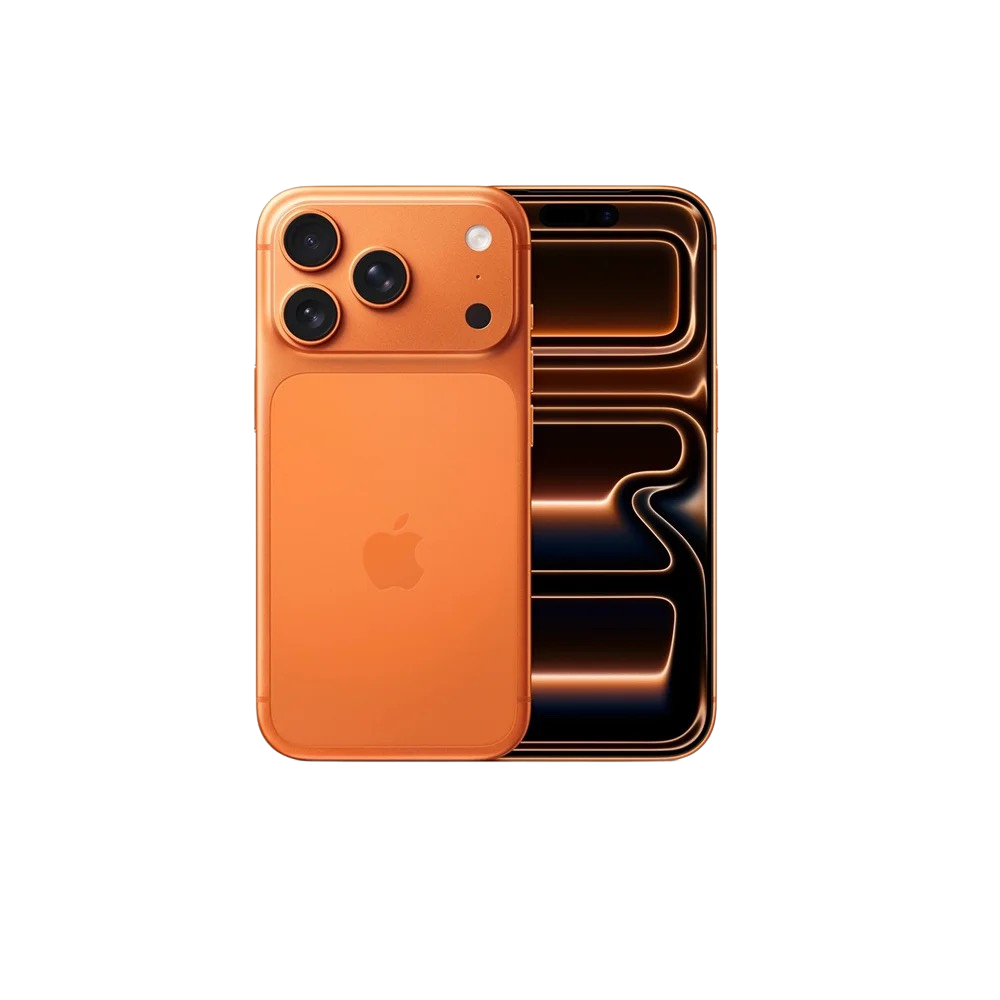
Mobile Phone
HOW TO SET UPAMAZON FIRE STICK
Easy & Fast
5-Minute Setup
Step by Step
Detailed Guide
100% Safe
Secure & Tested
Step-by-Step Guide
How to Install on Fire TV Stick
Enable Developer Options
On your Fire TV, go to Settings → My Fire TV → Developer Options and turn ON "Apps from Unknown Sources".
Install Downloader App
Search "Downloader" in the Amazon App Store and install it. This is the app you'll use to sideload IPTV players.
Download IPTV Player
Open Downloader, enter the 6-digit code for your player — IPTV Smarters Pro: 6468112, TiviMate: 778786, IBO Player: 417847 — and press Go to download the APK.
Install the APK
Once downloaded, tap Install. After installation select "Done" — do not open yet.
Enter Your Credentials
Open the IPTV player, choose "Add Playlist via URL" or "Xtream Codes", then enter the M3U URL / login details sent by STREAMB4.
Start Streaming
Your channels will load automatically. Enjoy 50,000+ live channels in crystal-clear 4K!
NEED HELP WITH INSTALLATION?
Our support team is available 24/7 to help you get started.